WORKCO · SECURITY & COMPLIANCE
WRITTEN FOR HR, IT AND LEGAL
This page is written for the person who has to answer these questions inside your company: HR, IT or legal. It is written plainly, including the parts where we do not have something yet.
THE FIRST QUESTION, ALWAYS
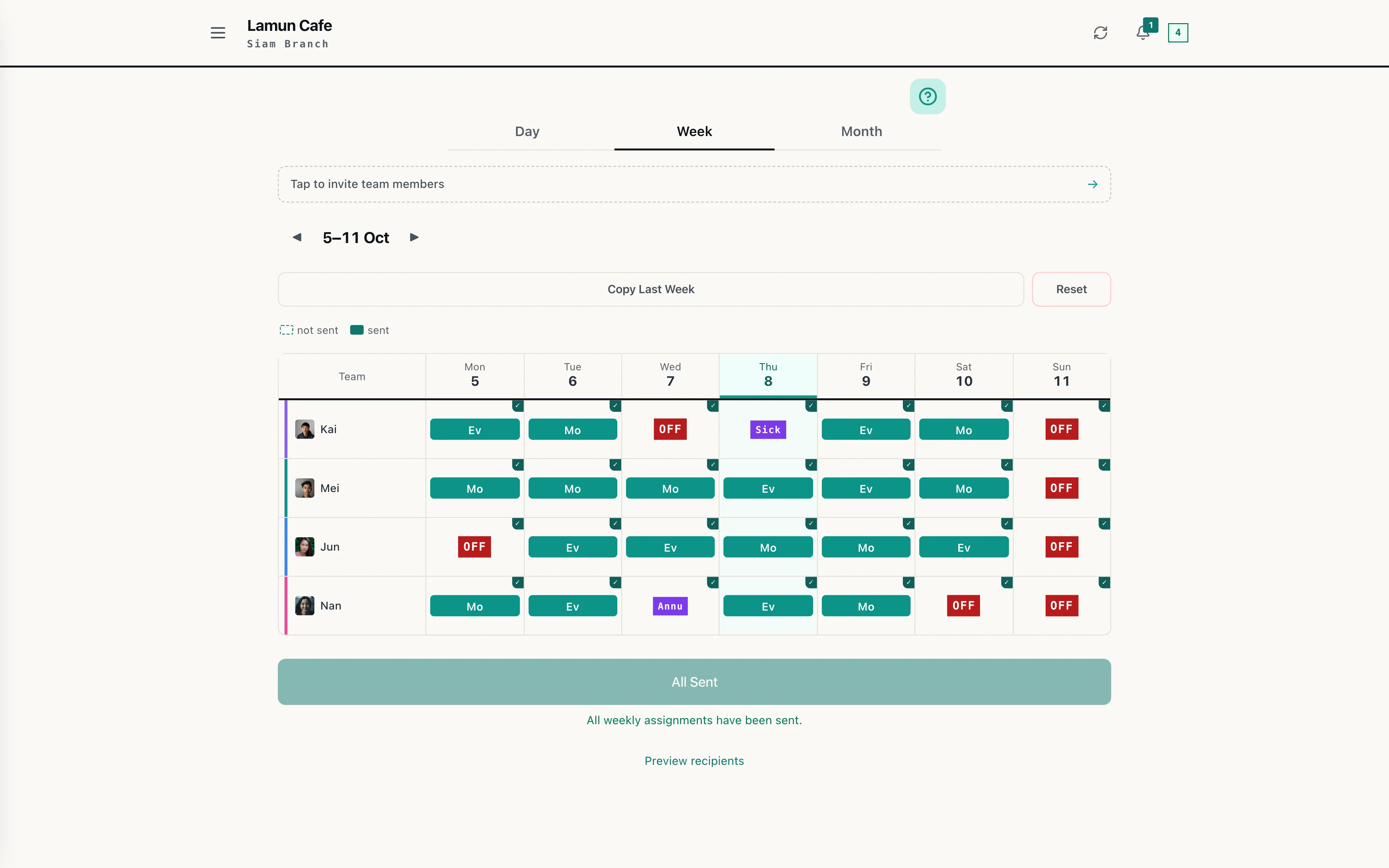
An employee sees their own. A manager sees the branches they run. HQ sees the chain. Pay is invisible to employees until the owner switches it on.
| Data | Employee | Branch manager | HQ | WorkCo team |
|---|---|---|---|---|
| Their own shifts | On request | |||
| The whole branch schedule | On request | |||
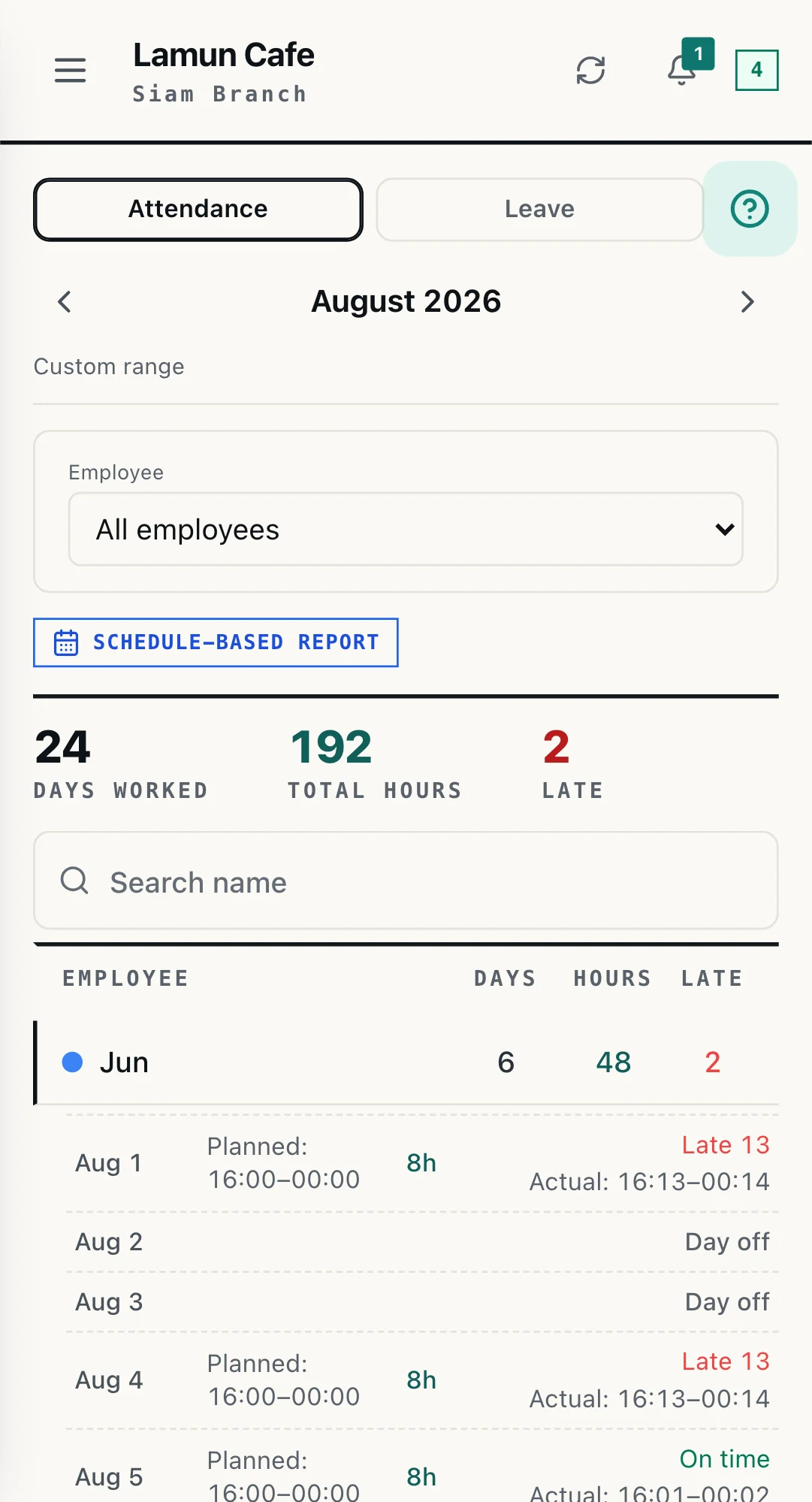
| Hours and attendance | Own only | On request | ||
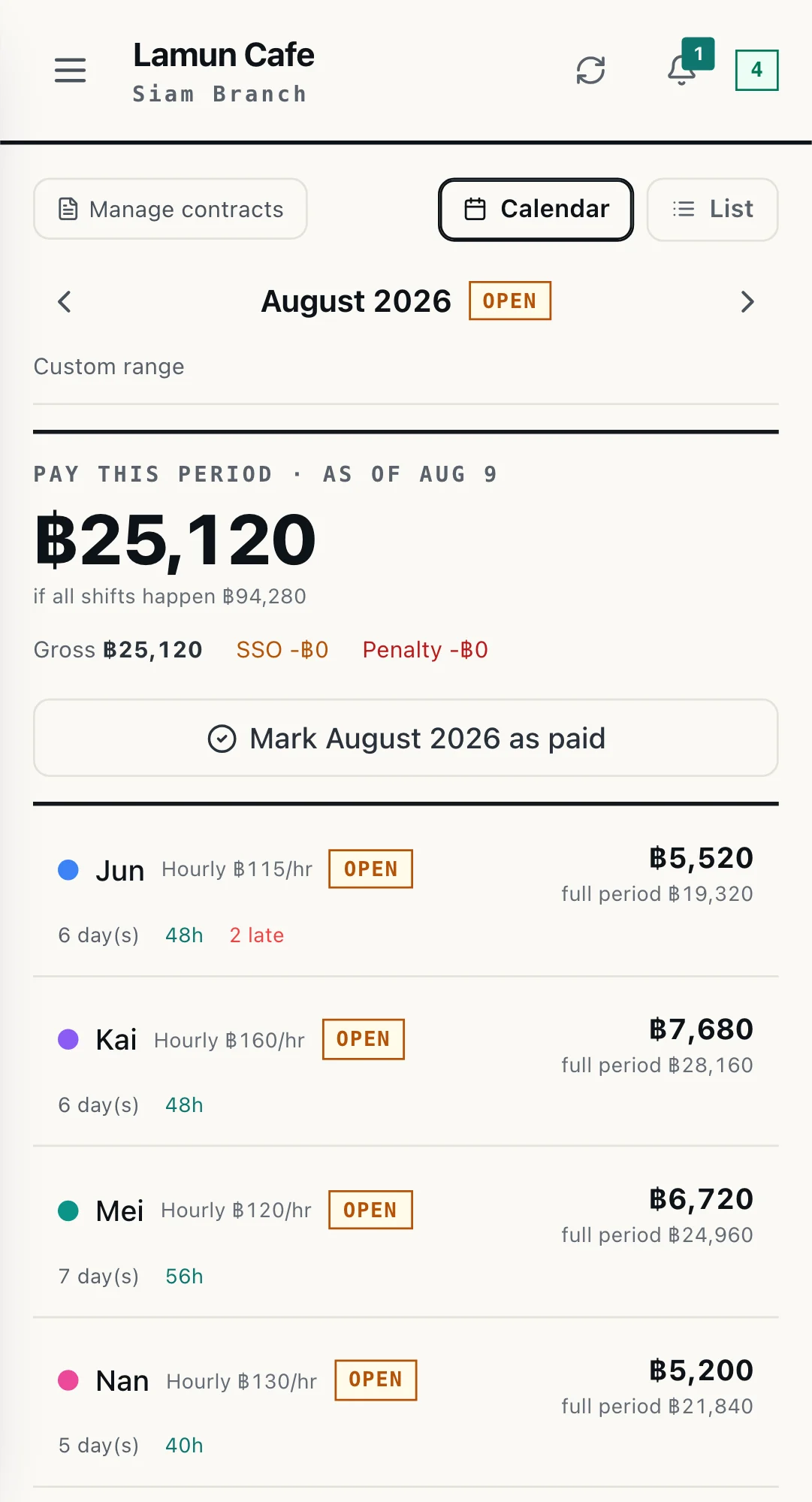
| Their own pay and payslip | If owner enables | If owner enables | On request | |
| Anyone else's pay | Permission only | On request | ||
| Branches they do not run | On request |
These boundaries are enforced at the database level, not merely hidden on the screen, so they hold even if someone queries the data directly. Our own team accesses a customer's data only to support them, limited to named people, and every administrator action is recorded.
WHERE THOSE BOUNDARIES ARE SET
WHAT WE HOLD
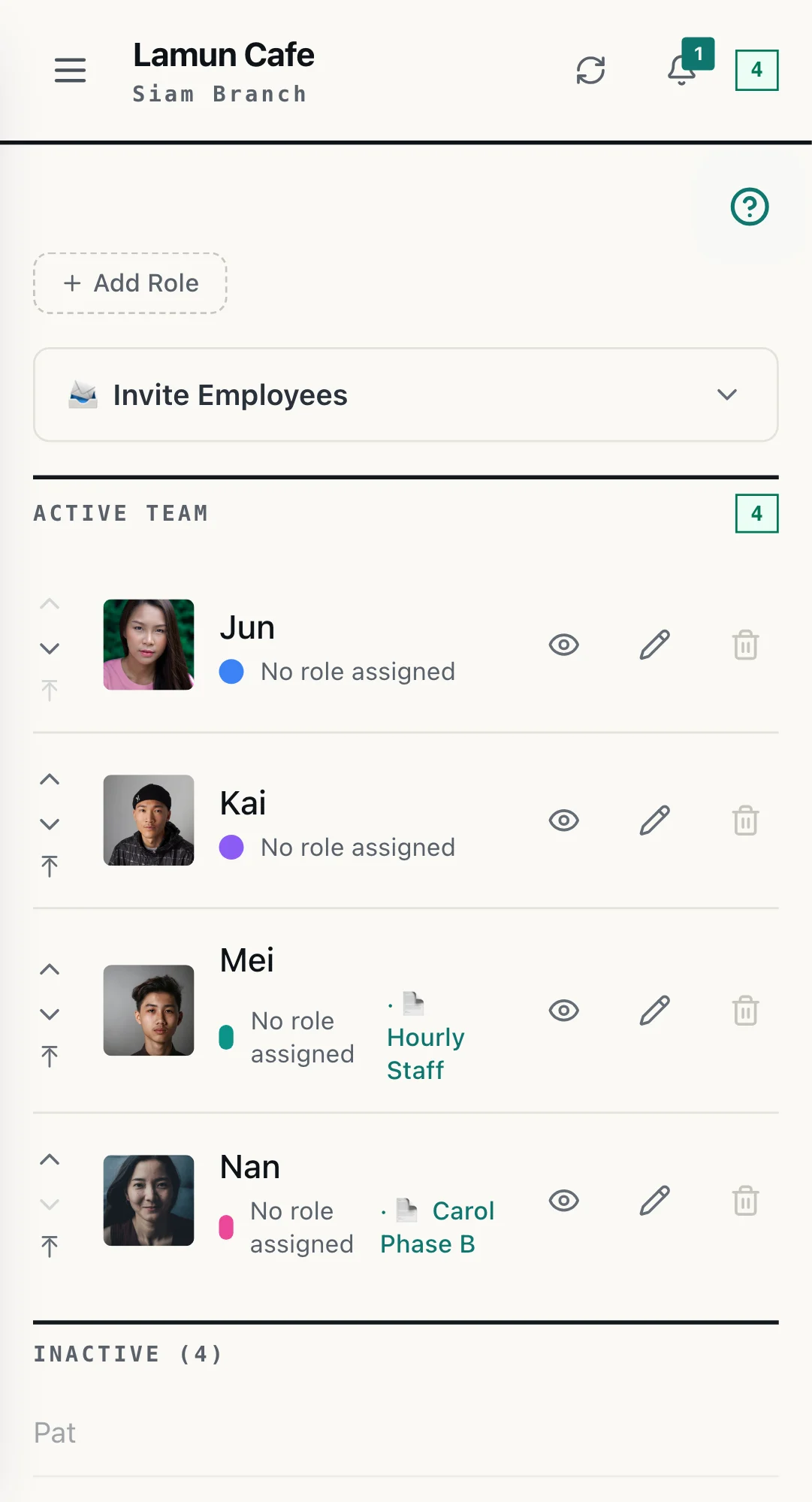
This list is complete, not a sample. Your HR has to be able to answer this question to your staff, so we write all of it down.
This group exists only if you use payroll. If you do not, these fields stay empty.
LOCATION
When someone clocks in, the system reads their location once, to confirm they are at the shop. Then it stops. There is no repeated reading, no trail, no travel history, and nothing runs in the background once the app is closed.
The radius around each location is set by the owner, and if you would rather not use location confirmation at all, it can be switched off entirely.
GETTING IN, AND OUT
Staff sign in through their own LINE account, so there is no WorkCo password for them to remember, lose, or reuse somewhere else.
Set the employee to inactive and their access is cut. There is no device to collect and no app to remove from anyone's phone, because there was never one to install.
Attendance, payroll and site-visit reports export to CSV at any time, and payslips to PDF. You do this yourself, without asking us first.
THE RECORD
Pay disputes happen. What settles them is a record, not somebody's memory.
Every time a day's hours or amount is edited, the system records who did it, when, and what it changed from and to.
An employee can ask to correct a clock time, but a named approver has to approve it, and both the request and the approval are kept.
Every schedule and reminder sent into LINE is logged, so the question of who received what, and when, has an answer.
LABOUR LAW
STATED PLAINLY
If we left this out you would have to ask anyway, so here it is.
REQUEST THE PACK
Tell us what your legal or IT team needs. We will send the data processing agreement, the detail on access permissions, and answers to your vendor questionnaire.